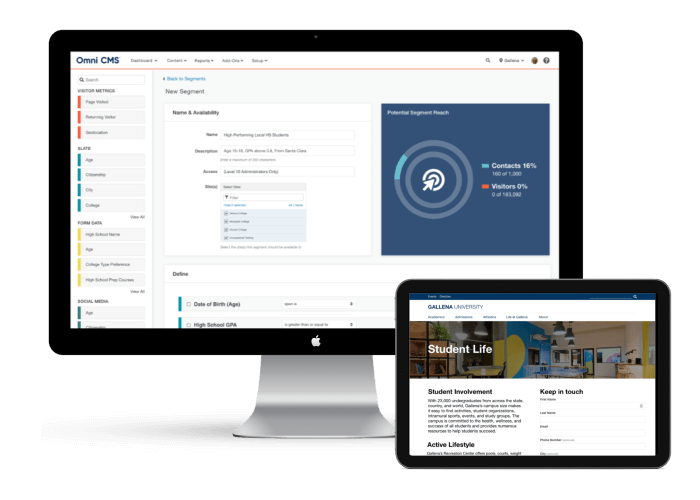
Modern Campus can help you keep pace and support the needs of your students.
Today’s learners expect the institution to provide the right mix of human assistance
and digital resources at the right time, enabling them to reach their career goals.
We can help your institution attract, engage and retain learners for life with software
solutions that enable a modern student experience.
Evolve with Modern Campus
Drive Success Across Every Corner of Your Institution
Improve Enrollment
Maintaining a steady stream of enrollment is essential for every higher education
institution, but there are some significant challenges impeding this process.
We can help widen and maintain your enrollment pipeline.
By focusing on student engagement, colleges and universities can ensure they’re delivering
a high-quality experience with every student’s interaction with the institution—improving
their likelihood to succeed within their program, increasing their openness to return
for ongoing learning and to continue contributing to the institution’s success as
an alumnus.
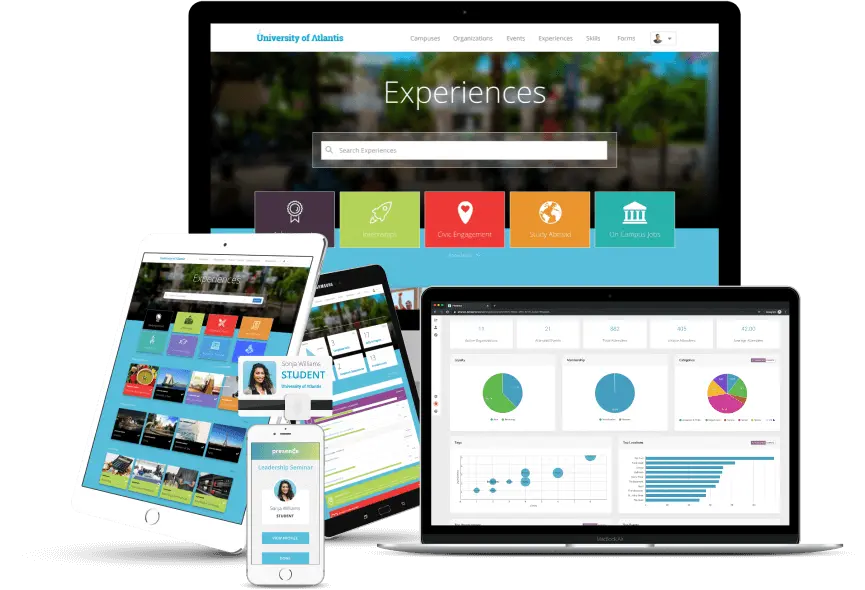
We can help your institution deliver the modern learner experience today’s students
expect.
Efficiency is essential to managing your institution's every day and meeting your
strategic goals. Most colleges and universities spend incredible amounts of staff
time and energy on manual, repeatable tasks.
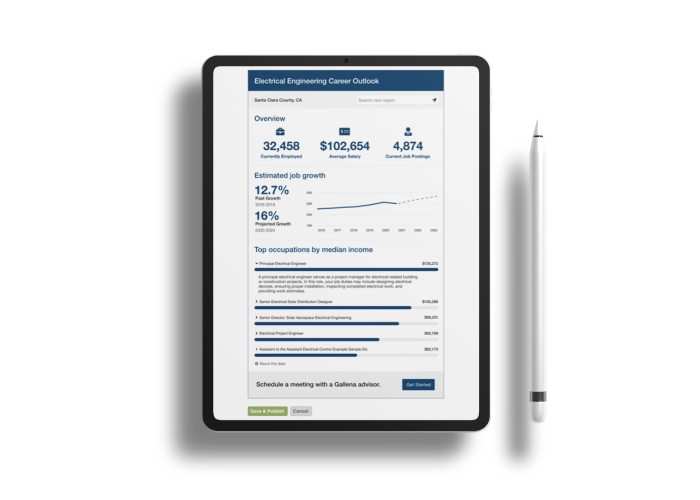
We can help your institution simplify their operational back end while enhancing the
experience they deliver students—improving staff satisfaction and the bottom line
at the same time.
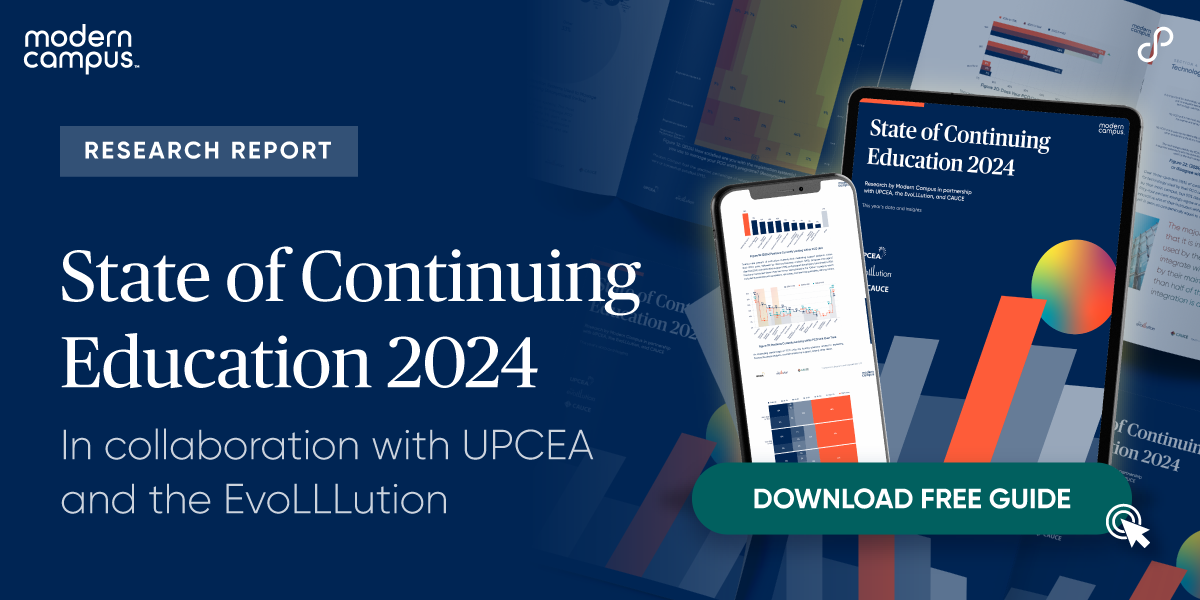
We are an active partner in the transformation of the higher education ecosystem,
bringing together leaders from every corner of the industry to reflect on where we
are and where we’re going.